Price, float and pattern
Combine a price ceiling with a float range, quality and pattern index. Luna keeps your filters when no matching listing is available.
Set your price, float and pattern filters. Luna monitors the Steam Market and buys matching listings while running on your machine.
Start with the item you want to find.
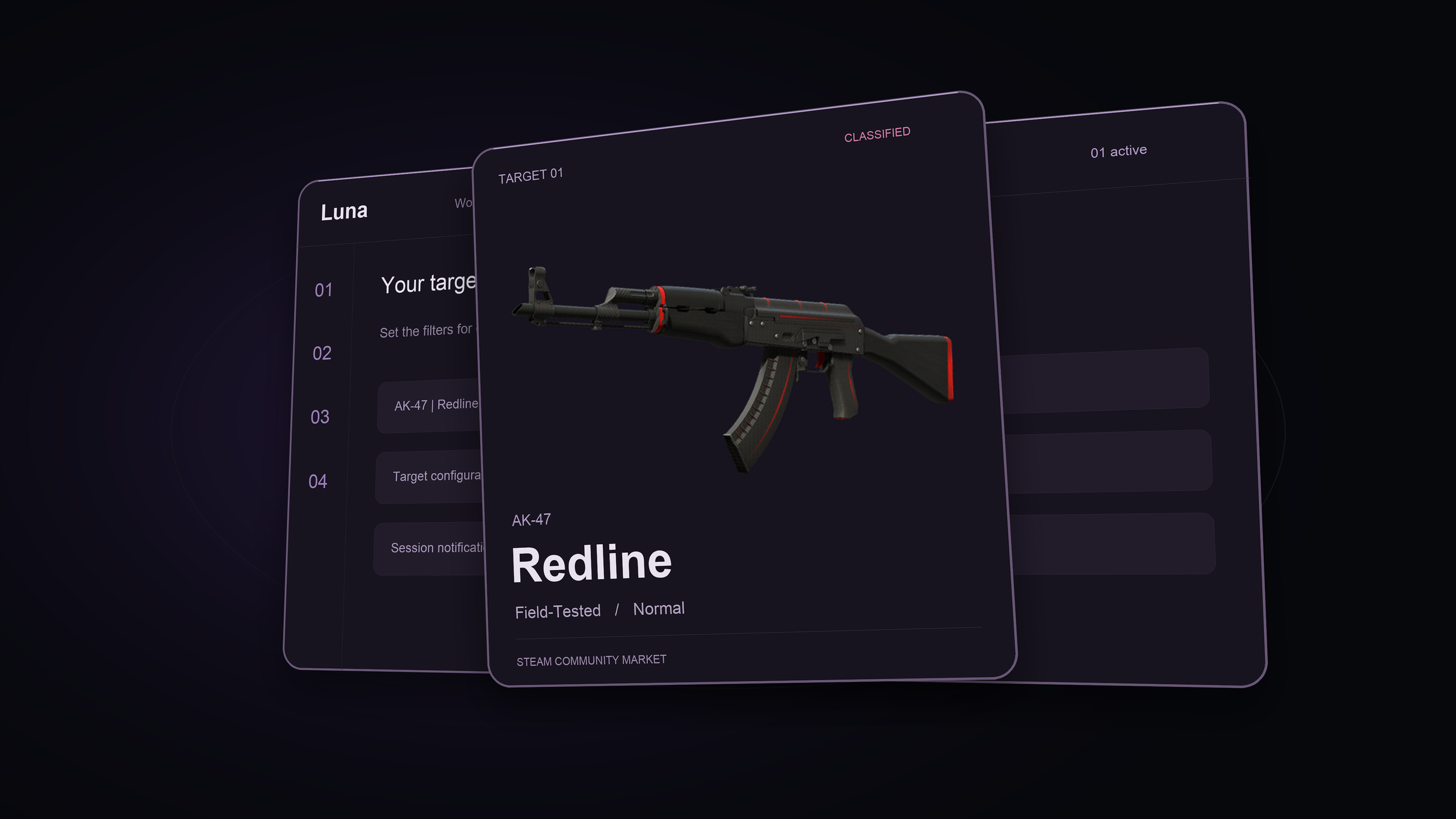 Loading product film…
Conceptual demo · illustrative item and prices
Skip overview ↓Configure each target separately, from the item’s wear to the number of purchases allowed in a session.
Combine a price ceiling with a float range, quality and pattern index. Luna keeps your filters when no matching listing is available.
Set the maximum price per item, including fees, and a quantity per target, per run. Duplicate targets to configure another variation.
Use Test mode to check target matches without target purchases. Follow the setup guide before starting a live session.
Read the testing guide ↗A single item or several targets. Adjust the same controls to fit your requirements.
Watch for a specific skin within your preferred wear range and price limit.
Normal · Field-Tested
 Luna SniperExample alert
Redline · first target
Receive purchase and session alerts through Discord, Telegram or your own webhook. Choose the events you need and customize their messages.
Move the limits to see which example listings qualify. Luna applies your filters together, so an attractive price alone is not enough.
Minimum float: 0.1500. Illustrative prices in your wallet currency. This preview does not place orders.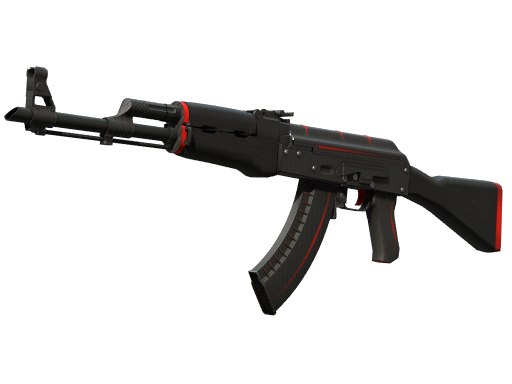
Example market listings
Use the filters individually or combine them for a more specific search.
Search for one pattern or a range of indices. Set the same minimum and maximum for a specific pattern; leave 0–1000 to accept any.
Choose Normal, StatTrak™, Souvenir or knife and glove variants. Select several qualities for the same target.
Require a discount against a reference from market price history, while keeping your maximum price. This is a filter, not a profit estimate.
Duplicate a target, adjust its filters and enable or pause it independently. Targets share the request budget; adding more does not increase scanning speed.
Both plans include the same targeting features. Choose the license duration that fits how you use Luna.
Compare plans ↗Manage your targets, market settings and notification preferences in one place.
Start and stop a session, follow console output and check target progress from the local web interface.
Check simulated target matches before live use. The setup guide covers the separate market verification settings.
Step-by-step documentation for activation, targets, notifications and troubleshooting.
Install Luna on Windows and activate your license on your machine.
Connect your account, add targets and check your configuration in Test mode.
Start Luna and keep your PC or compatible Windows VPS running. Stay available for Steam prompts.
Full access to Luna Sniper with either license duration.
For getting started with Luna.
$26.25 per month, billed yearly.
Pay with BTC, ETH or LTC through NowPayments. A Luna account is required to check out.
Luna runs on your Windows PC or a compatible Windows VPS. Keep it running to monitor listings and purchase matching items. Its local web interface is separate from the website account dashboard.
Test mode simulates target purchases. Follow the test setup guide, including the separate market verification settings, before starting.
No. A matching listing may not be available, and a purchase can fail. Your filters do not guarantee resale value or profit.
Market automation carries a risk of account restrictions. Luna cannot guarantee that Steam will not take action. Review the terms before purchasing.
Payments are in Bitcoin, Ethereum or Litecoin through NowPayments. Purchases are final once a digital license key is issued. See the Terms of Service for the full policy and delivery issues.
A license activates on one machine at a time. Contact support for an activation reset when changing machines.
Configure your targets and run your first session.
View plans ↗